Docs
Session status (Dashboard)
DigiChat shows a status for each session. Treat it as the source of truth: if the session is not ONLINE, don’t hammer sendMessage.
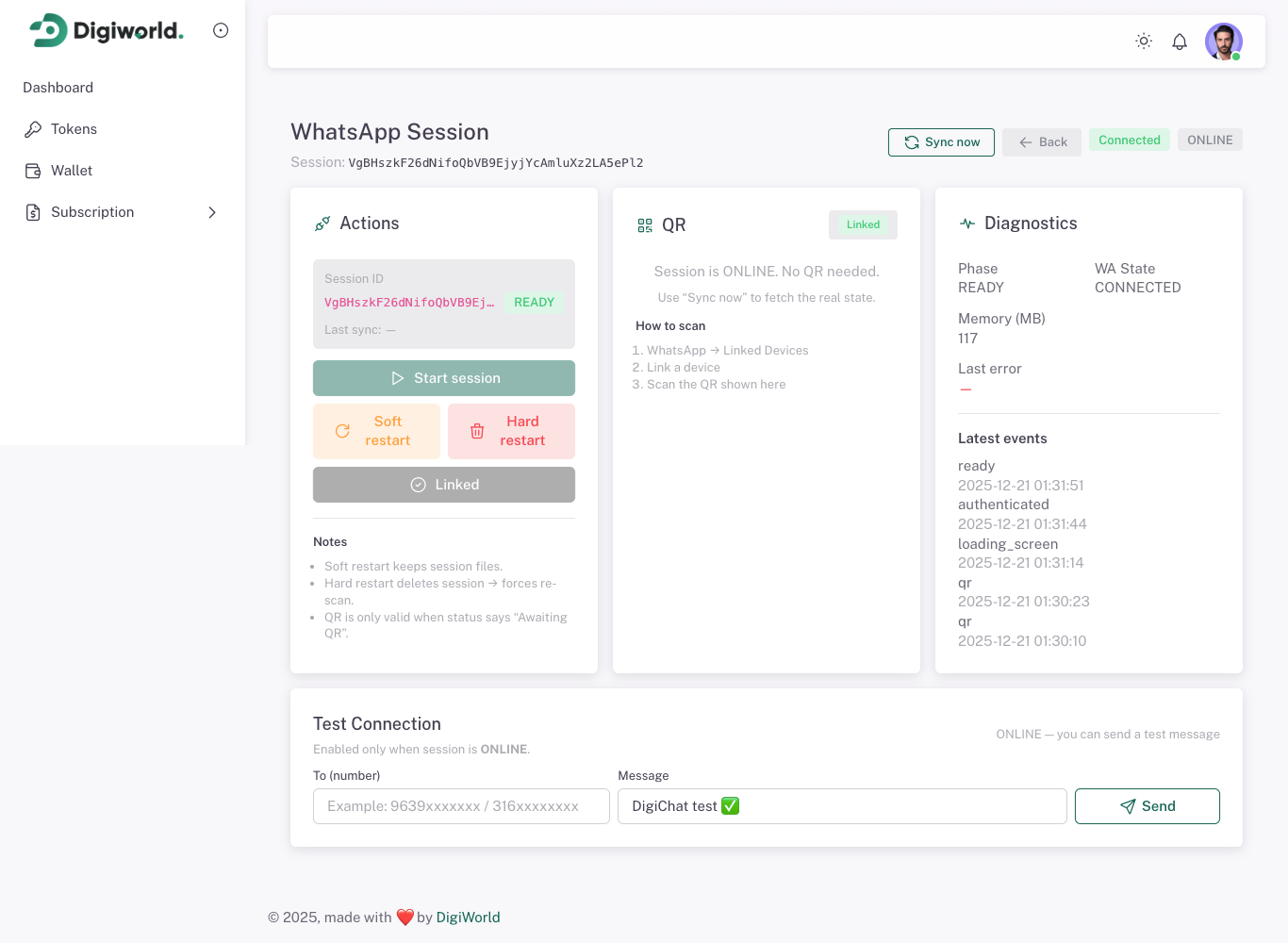
<figcaption class="docs-shot-caption">Session statuses list</figcaption>
Common statuses
ONLINE
Ready to send messages.
AWAITING_QR
QR scan required. Open the session, get the QR, scan once.
DISCONNECTED
Session is offline. Restart/reconnect from dashboard, then re-check.
AUTH_FAILURE
WhatsApp logged out. You need to re-link (new QR).
Recommended behavior
If status isn’t **ONLINE**, fix the session first (QR/reconnect) before sending.
API equivalents
Start or reconnect a session:
POST /api/whatsapp/{token}/start
Check status:
GET /api/whatsapp/{token}/status
Get QR:
GET /api/whatsapp/{token}/qr
GET /api/whatsapp/{token}/qr/image
Logout / re-link:
POST /api/whatsapp/{token}/terminate
Refresh the browser/core session without fully logging out:
POST /api/whatsapp/{token}/refresh
Optional request body for refresh and terminate:
{
  "withDeletion": false
}
Practical flow
POST /startGET /qrorGET /qr/image- Scan once in WhatsApp
- Poll
GET /statusuntil the session is ONLINE - If the session is stale, call
POST /refresh - If the session is broken or logged out, call
POST /terminateand start again